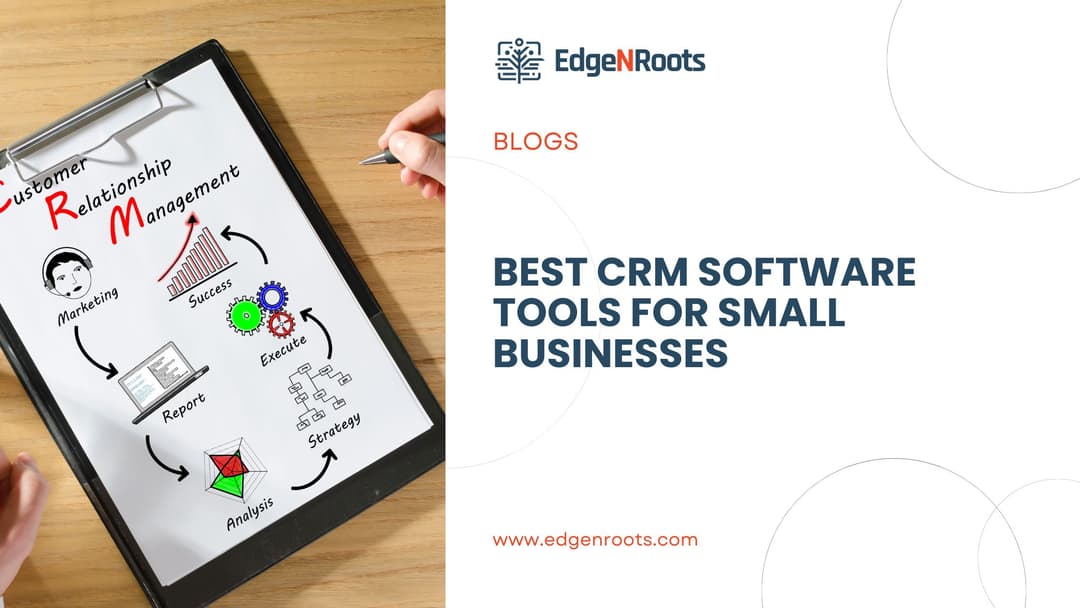
Customer relationships are the heartbeat of every thriving business. But for small business owners juggling multiple roles, staying on top of leads, conversations, and client needs can be overwhelming. That’s where the right CRM software steps in, offering a streamlined way to manage interactions, track sales, and automate routine tasks. Whether you’re a startup founder or a growing business owner, the right CRM can be a game-changer. In this blog, we explore the top CRM tools designed specifically to meet the needs of small businesses.
This detailed guide delves into the best CRM software tools tailored for small business success. We’ll cover their key features, benefits, pricing, and what makes each stand out in a crowded market. Whether you need better customer segmentation, pipeline management, or email marketing automation, this blog provides you with comprehensive insights. By the end, you’ll know exactly which CRM solution fits your business and how EdgenRoots can support your tech journey. Check out our CRM integration services.
Things to Know Before Choosing CRM Software for Small Business
Before exploring the best CRM options, it’s essential to understand what makes a CRM truly effective for a small business. From scalability to integration, several key considerations can shape your final decision.
Scalability and Future-Proofing Your Business
A good CRM tool isn’t just for today—it should grow with your business. Scalability ensures the software supports your increasing client base, sales pipelines, and team expansion. Features such as customizable dashboards, unlimited contacts, and robust analytics become crucial as you scale.
Moreover, choosing a CRM that offers flexible pricing plans and modular add-ons can help you stay cost-effective while expanding. Platforms that evolve with market trends and tech integrations are ideal for long-term use.
Integration with Existing Tools
Your CRM software should seamlessly integrate with tools you’re already using—from email platforms to accounting software. Integration simplifies data sharing and ensures smoother workflows across departments.
Popular integrations include Gmail, Outlook, QuickBooks, Slack, and marketing automation tools. By connecting systems, you reduce data silos and increase productivity across your team.
Ease of Use and User Interface
Small businesses often lack dedicated IT teams. Therefore, the CRM should have an intuitive interface that anyone can use without extensive training. A clean dashboard, drag-and-drop functionality, and simple navigation improve adoption rates.
Additionally, check for mobile app availability, which allows sales teams to access customer data on the go. A well-designed UI can save hours and reduce the learning curve for new users.
Customization and Workflow Automation
Customizable CRM tools allow you to tailor workflows, fields, and modules to fit your unique business model. Automation features reduce repetitive tasks like follow-up emails, lead assignment, and data entry.
These capabilities not only improve efficiency but also ensure consistency in client interactions. Look for CRMs that offer visual workflow builders and automated triggers for key actions.
Data Security and Compliance
Small businesses often overlook data security, but CRM systems store sensitive customer information. Look for tools with encryption, user role permissions, and compliance certifications like GDPR.
Backup features, activity logs, and secure APIs further ensure that your data remains protected. Prioritizing security builds customer trust and safeguards your business from legal complications.
Top CRM Software Tools for Small Businesses
Let’s explore the top CRM solutions currently empowering small businesses. Each of these options offers unique features, pricing structures, and use cases tailored to different needs.
HubSpot CRM: Best Free CRM for Growing Teams
HubSpot CRM offers a robust free tier, making it an excellent starting point for small businesses. It includes contact management, pipeline tracking, email templates, and meeting scheduling.
Its user-friendly interface and seamless integration with HubSpot’s marketing tools allow businesses to scale without switching platforms. Paid tiers unlock advanced automation and reporting features.
Zoho CRM: Best for Customization and Affordability
Zoho CRM is a highly customizable platform with a competitive pricing model. It supports sales automation, AI-powered insights, and multichannel communication (email, phone, chat).
Its drag-and-drop interface and modular apps make it easy to tailor the CRM to your specific industry or business size. Zoho also offers Zoho One, an all-in-one suite for added value.
Salesforce Essentials: Enterprise Power for Small Business
Salesforce Essentials brings the power of Salesforce to small businesses. It includes lead management, opportunity tracking, and Einstein Activity Capture for automation.
Though slightly pricier, it provides unmatched scalability and integrations with thousands of third-party apps. Ideal for businesses aiming to grow rapidly and invest in a long-term solution.
Pipedrive: Best for Sales-Focused Teams
Pipedrive is built specifically for sales teams. Its visual pipeline interface allows teams to move deals through stages easily. Key features include activity reminders, goal tracking, and AI-powered sales forecasting.
With mobile apps and email integration, it ensures sales reps can update deals on the move. Its automation tools are excellent for streamlining repetitive sales tasks.
Freshsales by Freshworks: Best All-in-One Platform
Freshsales offers an integrated suite for sales and marketing, combining email campaigns, phone calls, and website tracking into a single platform. It uses AI for lead scoring and insights.
Its intuitive design and built-in phone system make it a favorite among service-driven businesses. Freshsales is ideal for teams looking for both marketing and sales functionality in one place.
Why Choose EdgenRoots for CRM Software Integration?
At EdgenRoots, we understand that CRM implementation is more than just installing software—it’s about aligning technology with business goals. Our team ensures seamless CRM integration that reflects your workflows and customer journey.
We provide end-to-end support, from choosing the right CRM tool to customizing it for your operations. Whether it’s HubSpot, Zoho, or Salesforce, we help you make the most of your CRM investment. Explore our services to learn how we can transform your customer engagement strategy.
Conclusion
Choosing the best CRM software for your small business is a critical step toward building long-lasting customer relationships and improving operational efficiency. From free tools like HubSpot to customizable solutions like Zoho and enterprise-ready options like Salesforce Essentials, the market offers something for every business need and budget.
Before deciding, consider your growth plans, required features, and team size. Then partner with experts like EdgenRoots to ensure a smooth CRM integration and ongoing support. Ready to streamline your customer management? Let’s connect today.
FAQs
- What is the best CRM software for small businesses?
HubSpot and Zoho CRM are top choices due to their affordability, ease of use, and robust features. - Is there a free CRM tool that’s effective?
Yes, HubSpot offers a powerful free CRM plan suitable for growing teams. - How do I choose the right CRM for my business?
Consider your team size, sales process, desired integrations, and budget before selecting a CRM. - Can a CRM help with marketing as well?
Many CRMs like Freshsales and Zoho offer integrated marketing tools alongside sales features. - Is Salesforce too advanced for small businesses?
Salesforce Essentials is designed specifically for small teams and is scalable for growth. - Do CRMs integrate with accounting tools?
Yes, many CRMs integrate with QuickBooks, Xero, and other accounting platforms. - What are the key features to look for in a CRM?
Contact management, sales tracking, automation, reporting, and integrations are crucial. - Are CRM systems secure?
Reputable CRMs offer encryption, role-based access, and compliance with data protection laws. - Can I customize CRM workflows?
Most CRMs allow workflow customization to suit your business processes. - How can EdgenRoots help with CRM implementation?
EdgenRoots offers consultation, setup, customization, and training to ensure successful CRM adoption.