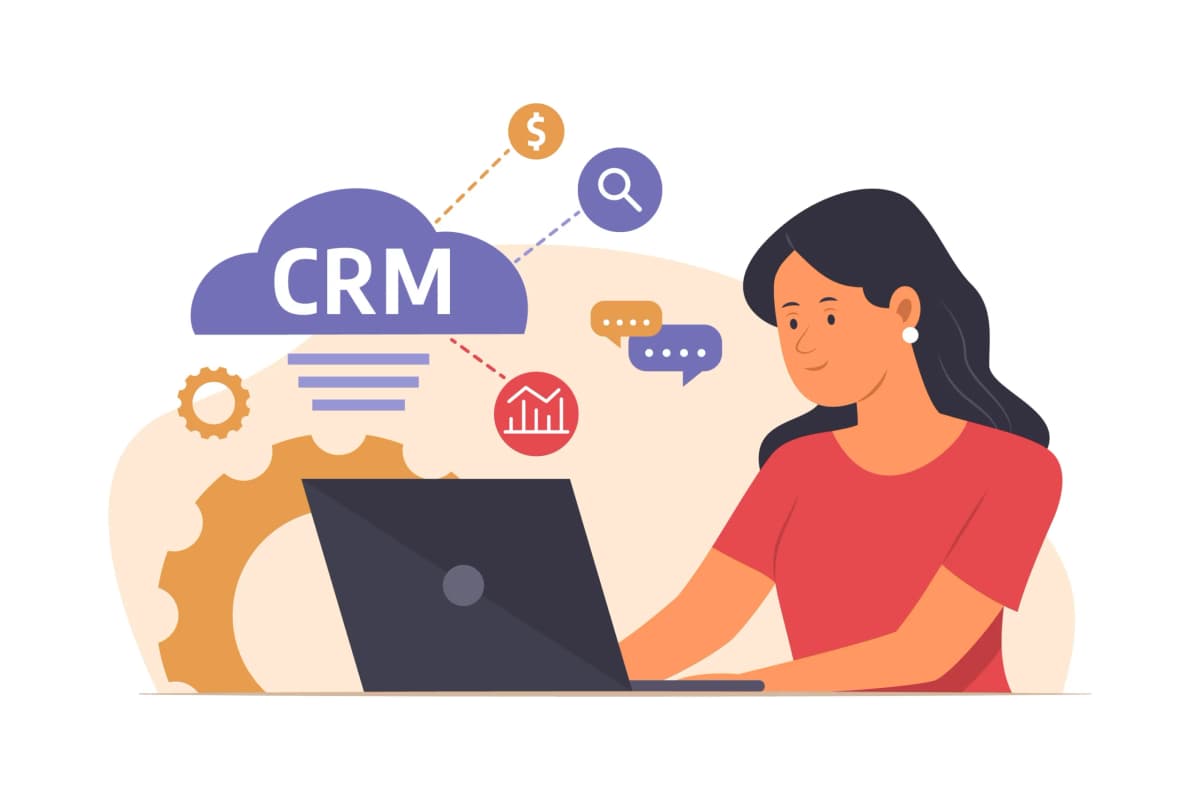
The digital landscape of modern business is powered by customer relationships, and managing those effectively starts with a robust CRM (Customer Relationship Management) system. Whether you’re a sales executive, a marketer, or a customer service agent, accessing your CRM portal efficiently and securely is essential. That’s where understanding the CRM login process becomes crucial. From account access to authentication protocols, mastering the login procedures can significantly enhance your workflow.
In this comprehensive guide, we’ll walk you through everything there is to know about CRM login: what it is, how it works, best practices for secure access, and common troubleshooting tips. Whether you’re new to using a CRM system or simply looking to improve your daily access experience, this guide is tailored for you. Start managing your client relationships better with Edge n Roots’ CRM tools.
What You Need to Know Before Logging into a CRM
Before diving into login steps and dashboard features, it’s important to understand what a CRM login entails and what prerequisites are required to make your experience seamless. From the underlying technology to the real-time collaborative workflows, this knowledge sets the tone for a smoother login experience and more effective usage of the system overall.
Understanding the Role of CRM Systems
CRM systems are more than just digital contact books. They act as the central hub for sales pipelines, customer interactions, marketing campaigns, and analytics. From lead tracking to closing deals, every piece of data is recorded and managed through the CRM interface.
Knowing this helps users appreciate why login procedures are fortified and customized based on roles within the organization. A proper login ensures that users access only the tools and data they’re authorized for. This layer of control is especially critical for businesses handling sensitive data across multiple departments.
Secure Login Protocols and Authentication
Most modern CRM platforms like Salesforce, HubSpot, and Zoho CRM use secure login protocols. Two-factor authentication (2FA), single sign-on (SSO), and data encryption are common features. These measures protect sensitive customer data and business insights from cyber threats.
Before logging in, ensure that your email is verified, passwords are strong, and any 2FA methods are correctly set up. Edge n Roots CRM, for instance, supports SSO for quick yet secure login across departments. Always activate additional layers of security if your platform offers them. Security protocols also ensure compliance with industry standards such as GDPR and HIPAA.
Device and Browser Compatibility
Not all browsers or devices offer the same experience. Some CRMs perform best on Chrome or Firefox, and mobile apps might offer limited features. Keeping your browser updated and enabling cookies often ensures smoother login sessions and better interface responsiveness.
You may also encounter CRM platforms that require specific security certificates or permissions, particularly when accessed from corporate networks. Review your system’s compatibility requirements on the Edge n Roots help center. Adhering to these guidelines will prevent login hiccups and ensure you’re getting the most out of the platform’s capabilities.
Internet Connectivity Requirements
CRM systems are cloud-based and rely heavily on stable internet connections. Slow or intermittent connections can disrupt login sessions or cause data syncing errors. For teams working remotely, a secure VPN is often recommended to maintain consistent access.
Edge n Roots CRM ensures minimal latency and real-time updates, but having a reliable internet setup on your end significantly enhances the experience. Consider investing in high-speed internet and backup options for uninterrupted access to your CRM. It’s also helpful to have IT support review your network infrastructure periodically.
User Permissions and Access Levels
Not all users within an organization have the same access rights. Admins, editors, and viewers each have different capabilities. Understanding your role within the CRM determines which features are available after login and helps prevent unauthorized actions.
Before reaching out for support, check if restricted access is due to permission settings rather than a login issue. Edge n Roots allows admins to assign roles dynamically based on project or team requirements, providing flexibility and control over user interactions. These access levels are critical in maintaining data integrity and accountability.
Step-by-Step: How to Log into Your CRM Dashboard
Let’s explore the universal steps involved in logging into your CRM system and accessing your dashboard, with insights specific to Edge n Roots CRM.
Step 1: Navigate to the CRM Login Page
Go to the official CRM portal provided by your company or CRM vendor. For Edge n Roots users, this will typically be a custom subdomain like yourcompany.edgenroots.com. Always verify the URL to avoid phishing scams and unauthorized redirects.
Bookmark the page for easy access, and ensure it uses HTTPS for secure communication. Avoid logging in from public or shared computers unless absolutely necessary, and always sign out after use. Periodically clear your cache to keep the portal running efficiently.
Step 2: Enter Your User Credentials
Input your registered email address and password. If this is your first time, you might need to go through a verification process or email confirmation. Use secure password managers to store your login data safely and reduce the risk of unauthorized access.
For Edge n Roots, credentials are case-sensitive and must meet complexity requirements—include symbols, numbers, and both upper and lowercase characters. Follow password reset procedures promptly if you suspect a breach. Make sure to avoid password reuse across platforms.
Step 3: Use Multi-Factor Authentication
If 2FA is enabled, you’ll receive a code via SMS, email, or an authenticator app. Enter this code in the designated field to proceed. This adds an extra layer of protection to your login and helps maintain regulatory compliance and user accountability.
Edge n Roots encourages enabling 2FA on all admin accounts and offers compatibility with apps like Google Authenticator and Authy. This ensures that even if credentials are compromised, your data remains secure. Keep backup codes safe in case you lose access to your 2FA device.
Step 4: Select Your CRM Role or Workspace
Some CRM platforms support multi-role logins or access to multiple dashboards. After authenticating, select your role (e.g., Sales, Marketing, Support) and workspace if prompted. This ensures you’re working within the correct scope of operations.
Edge n Roots CRM offers customized dashboards based on departments, so choose the correct one to access relevant tools and analytics. Personalized dashboards improve efficiency and minimize the clutter of unnecessary modules. You can also toggle between dashboards as needed, which enhances workflow continuity.
Step 5: Troubleshoot Login Errors If Any
Common issues include wrong credentials, expired passwords, or locked accounts. Use the “Forgot Password” link to reset login details. If problems persist, contact your system administrator or Edge n Roots support for timely assistance.
Ensure that browser cache is cleared and cookies are enabled, as these can sometimes interfere with login sessions. Regular maintenance of your browser can prevent these recurring issues and ensure faster access. It’s also a good idea to whitelist CRM URLs in your browser and firewall settings.
Why Choose Edge n Roots for CRM Solutions?
Edge n Roots stands out by offering intuitive, scalable CRM tools designed for businesses of all sizes. Whether you’re a startup or an enterprise, our CRM solutions include customizable dashboards, automated workflows, and secure user management that adapts to your operational needs.
Our platform provides seamless login experiences with features like SSO, role-based access control, and 24/7 support. With a commitment to data privacy, operational efficiency, and client success, Edge n Roots is the partner you can trust to manage customer relationships the smart way. Get started today.
Conclusion
Understanding how to log into your CRM isn’t just a technical necessity—it’s the first step toward productive and secure client relationship management. From recognizing authentication layers to troubleshooting login issues, a well-informed user ensures smoother operations and contributes to business success.
Edge n Roots makes this process simple and reliable, allowing businesses to focus more on growth and less on technical roadblocks. Log in today and unlock the full potential of your CRM. With better access comes better insight, and with better insight comes strategic advantage. Choose a CRM solution that grows with you and empowers every department in your organization.
FAQs
- What is a CRM login?
A CRM login is the process of accessing a Customer Relationship Management system using authorized credentials. - Why is two-factor authentication important?
It adds an extra layer of security by requiring a second verification step. - Can I use CRM on my mobile device?
Yes, most CRM systems offer mobile-friendly web portals or apps. - What should I do if I forget my password?
Use the “Forgot Password” option or contact your system admin to reset it. - Is it safe to log in from public Wi-Fi?
It’s not recommended. Use a VPN or secured network instead. - Does Edge n Roots support SSO?
Yes, Edge n Roots offers single sign-on for faster and safer access. - What browsers work best for CRM login?
Chrome, Firefox, and Safari are generally the most compatible. - How do I change my login credentials?
Go to account settings within your CRM dashboard to update login info. - What if I see an error during login?
Clear cache, enable cookies, and ensure your credentials are correct.
Can I have multiple roles in Edge n Roots CRM?
Yes, users can be assigned multiple roles and switch between dashboards.